Universal video speed controller
Control playback. Your way.
Speed up, slow down, rewind, and fine-tune videos and audio across the web — with one consistent control layer, instead of hunting for a different speed menu on every site.
Free. No account. No tracking. Live on Edge Add-ons — Chrome Web Store coming soon.
- Remaining
- 26:40
- Time saved
- ~13:20
Keyboard: A / D to step speed, S to reset.
Max speed
Keyboard shortcuts
Trackers or analytics
Local by default
Every site does speed control differently.
Some websites:
- don't expose speed controls at all
- limit you to a handful of preset speeds
- bury the control behind two or three clicks
- use inconsistent or non-configurable shortcuts
- reset your speed back to 1× on every new video
- make speed control difficult or impossible on embedded players
My Speed Up provides one consistent control layer — the same shortcuts, the same popup, the same on-video controller — no matter which site you’re on.
Not a mockup. The real thing.
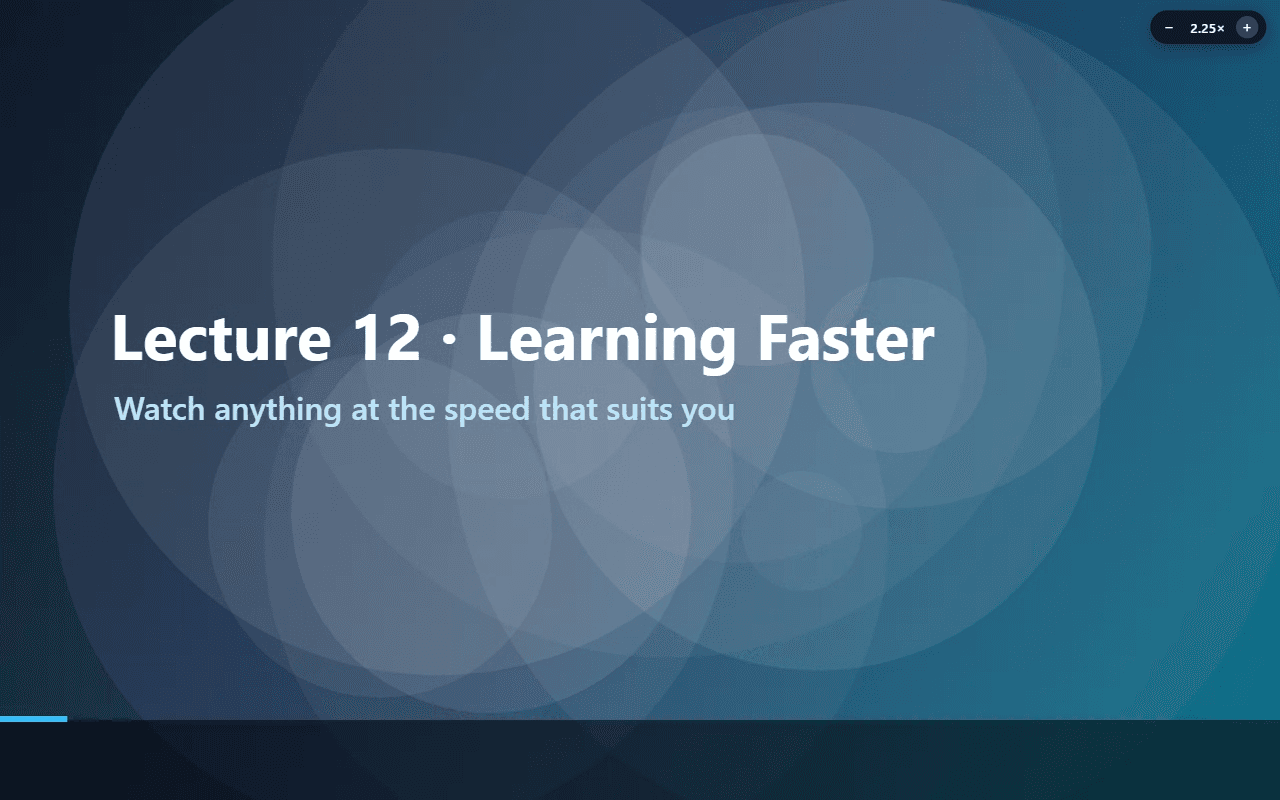
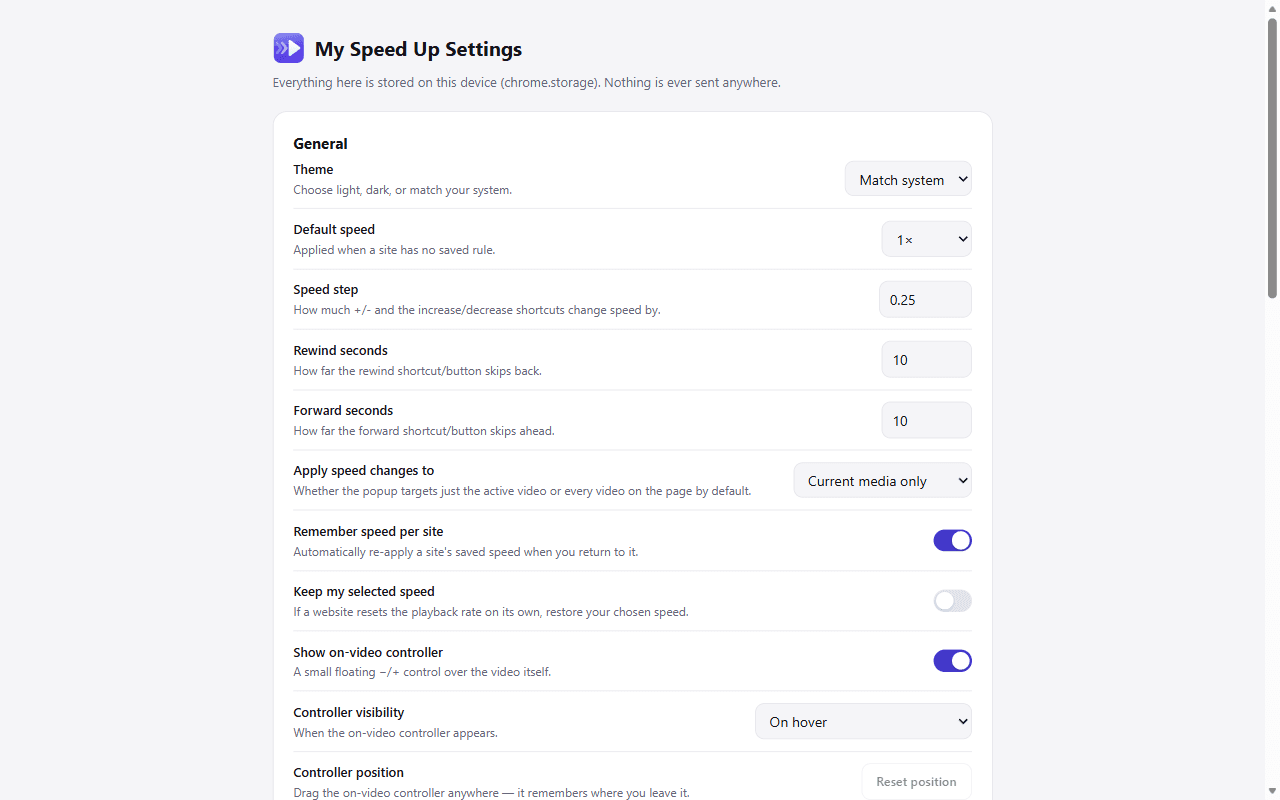
Actual screenshots of the actual extension — running on an actual YouTube video.
Everything a speed controller should do.
Nothing it shouldn’t. No clutter, no features bolted on just to pad a list.
Instant speed control
Adjust playback from 0.05× to 16× in a click. Extreme values are clamped gracefully when a player can't keep up.
Keyboard shortcuts
A/D/S/Z/X/V by default, fully reassignable, and automatically disabled while you're typing anywhere on the page.
Per-site speed memory
YouTube at 1.5×, lecture platforms at 1.75×, everything else at 1× — My Speed Up remembers by hostname.
Dynamic media detection
A single MutationObserver — not a polling loop — catches videos a site loads in after the page first renders.
Time remaining, recalculated
Remaining time and time saved update live as you change speed — without touching the video's real duration.
Focus mode
Dims everything but the player, without touching the host page's own layout or z-index.
How it works
Install
Add My Speed Up to Chrome or Edge — it does nothing until a page actually has media on it.
Open a video
Visit any site with standard HTML5 video or audio. My Speed Up detects it automatically, including content loaded in later.
Control playback
Use the popup, the on-video controller, or keyboard shortcuts — whichever fits the moment.
Install My Speed Up
My Speed Up is live on Edge Add-ons — one click and you’re done. It’s not on the Chrome Web Store yet, so for now Chrome needs a manual load, which takes about a minute.
Chrome
- 1Open chrome://extensions in a new tab.
- 2Turn on Developer mode (top-right toggle).
- 3Click "Load unpacked".
- 4Select the extension/dist build folder.
Building from source works on both browsers, including Edge — see the guide.
Frequently asked questions
Read the full FAQ →Does it work on YouTube?
It works with standard HTML5 media on YouTube, subject to changes YouTube makes to its own player over time.
Does it work on online courses and lecture platforms?
Yes, whenever the course player exposes a controllable HTML5 <video> or <audio> element — which most do.
Can I use custom speeds?
Yes. Type an exact value, drag the slider, or add your own presets in Settings — the supported range is 0.05× to 16×.